Groups
Meet fellow members, share discoveries and explore family history and DNA together.
Family History Group
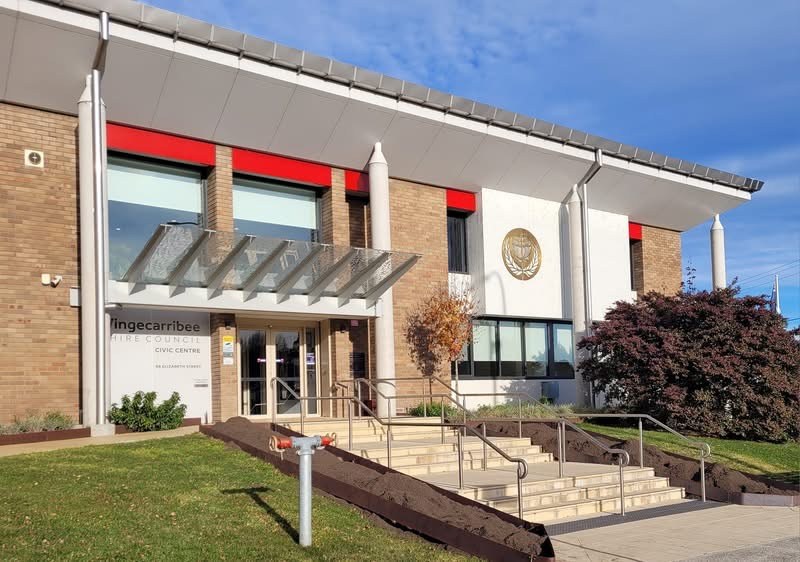
The Family History Group is an informal self-help group where members share discoveries, compare approaches and help each other with research puzzles. The group usually meets at 1pm on the first Wednesday of each month at the Society’s Archives in the Moss Vale Civic Centre. Meetings often include a guest speaker or workshop, with topics ranging from scanning and interpreting old photographs to writing family histories and exploring shipping records.
Previous discussions have explored Family Tree Maker, DNA, SIX Maps, coastal shipping, Aboriginal research sources and strategies, NSW births, deaths and marriages, Trove, Ancestry and lesser-known free online resources. Society members are welcome. Check the event listings for current arrangements or contact convenor Denise Mackey through [email protected] to confirm current arrangements.
DNA Group
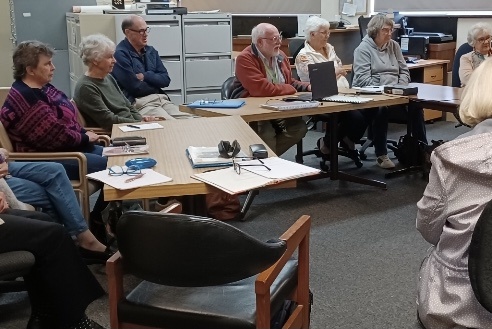
The DNA Users Support Group is an informal, welcoming group for Society members who want to understand and use DNA in family history. Convened by Robyne McKinnon, it began in June 2024 with six members. Members share their progress, discuss DNA matches and ways to contact them, and help one another work through research and technology questions.
The group explores tools such as Ancestry and Pro Tools, GEDmatch, DNA Painter and Family Tree Maker, and shares useful webinars, podcasts, books and other resources. Meetings usually take place at 1pm on the third Thursday of the month in the Civic Centre Theatrette, Moss Vale. Check the event listings or email [email protected] to contact the group and confirm the current arrangements. Read the group’s annual report